2 Getting Started
2.1 Installing from CTAN
For most users, we recommend installing Moloch from CTAN. If you keep your TeX distribution up-to-date, chances are good that Moloch is already installed. If it is not, you need to update your packages. If your distribution is TeX Live (or MacTeX on OS X), the following command updates all packages.
tlmgr update --allIf this results in an error, you may need to run it with administrative privileges:
sudo tlmgr update --allMacTeX on OS X also provides a graphical interface for tlmgr called TeX Live Utility.
For other distributions, please refer to its documentation on how to update your packages.
2.2 Installing from Source
If you want to use the development version of Moloch, you can install it manually. You need a recent LaTeX distribution which includes l3build. Then simply follow the steps below.
Download the source with a git clone of https://github.com/jolars/moloch:
git clone https://github.com/jolars/moloch.gitThen navigate into the downloaded directory and install the package by running:
cd moloch
l3build install
2.3 A Minimal Example
The following code shows a minimal example of a Beamer presentation using Moloch.
\documentclass{beamer}
\usetheme{moloch}

\title{A Minimal Example}

\date{\today}
\author{Johan Larsson}
\institute{Some University}

\begin{document}
\maketitle

\section{First Section}

\begin{frame}
  \frametitle{First Frame}

  Hello, world!

\end{frame}
\end{document}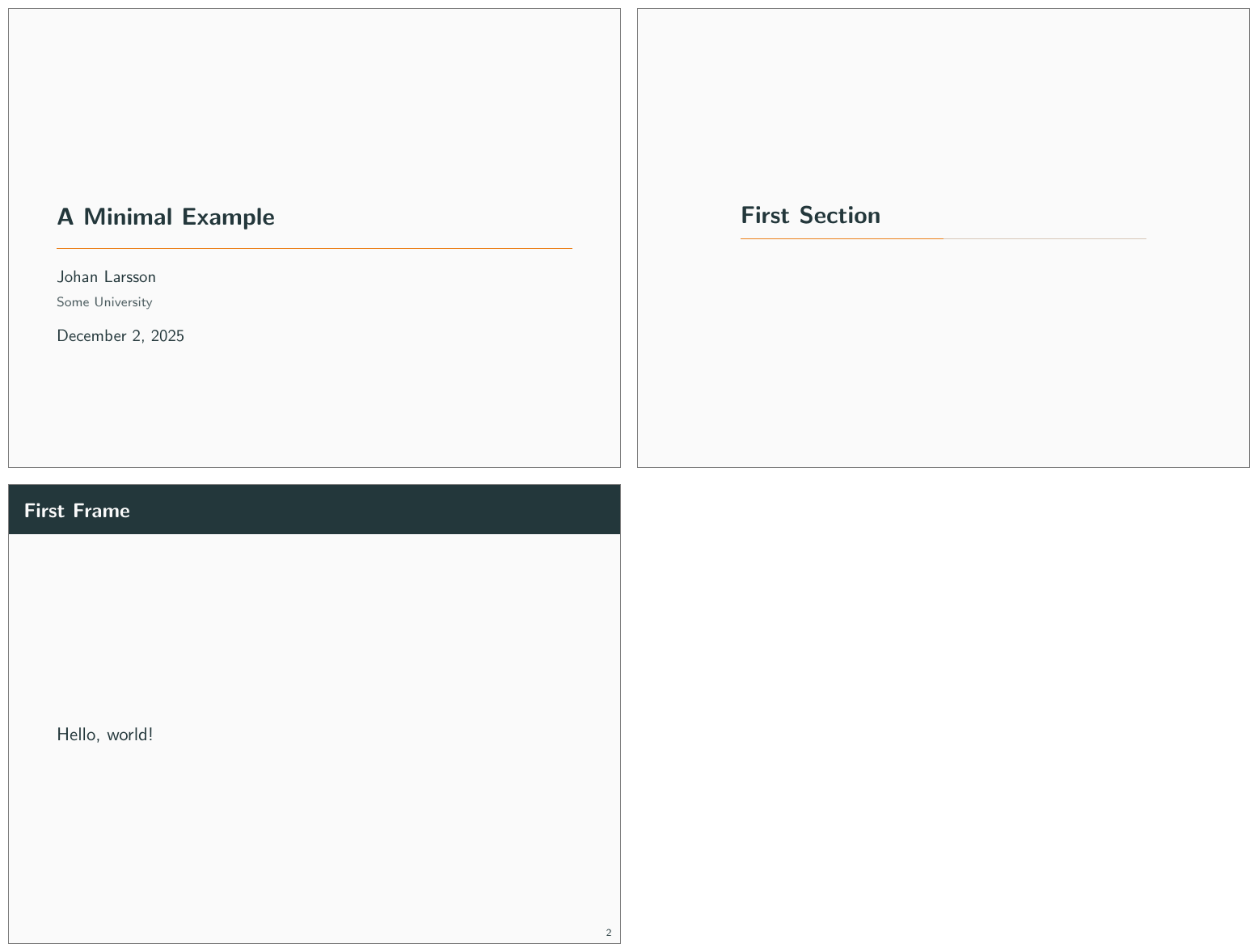
2.4 Dependencies
Moloch depends on the beamer class and the following standard packages:
2.5 Pandoc
To use this theme with Pandoc-based presentations, you can run the following command in your terminal:
pandoc -t beamer -V theme:moloch -o output.pdf input.md